Here is how my agent reads my X bookmarks today. I open DevTools on my Mac, copy the cookie table, paste it into a file, sync the file to a Linux box, and a script feeds every cookie into a headless Chrome that then pretends to be me. It works. It also means a background process on a server holds my full X session, forever, and nothing on X’s side can tell the difference between me and the script.
I have been doing this for a week and I had already stopped noticing how bad it is. Then BrowserSkill showed up and did the opposite thing.
The agent comes to you
BrowserSkill is three pieces: a bsk CLI written in Rust, a local daemon, and a Chrome extension. The agent runs bsk commands in a shell. The daemon talks to the extension over a local WebSocket. The extension drives tabs in your actual, already-logged-in browser.
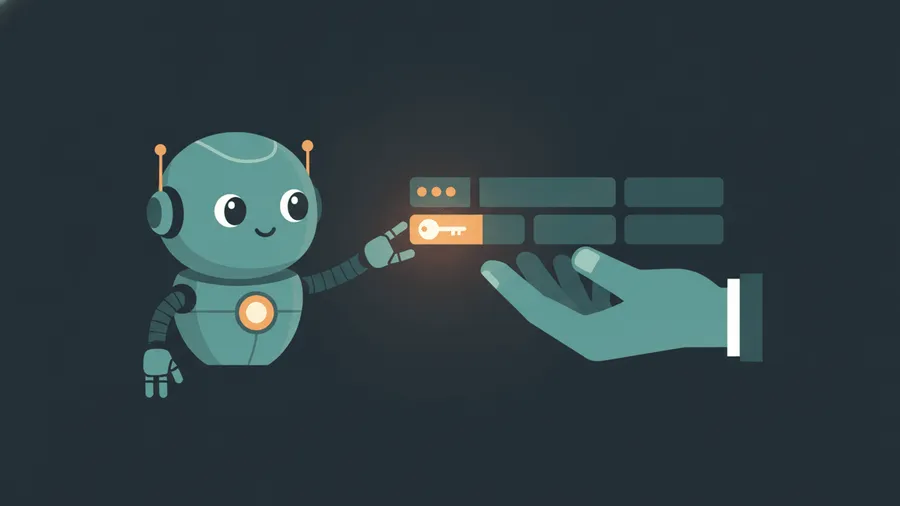
By default the agent gets an Agent Window, a separate window in your Chrome with your cookies but none of your tabs. If it needs a tab you have open, it has to ask:
bsk tab list --scope user --session <id>
bsk tab borrow <tab-id> --session <id>
bsk tab return <tab-id> --session <id>
borrow pops a confirmation in your browser. You click allow, the agent does its thing, return gives the tab back and it stays open where it was. When it hits a captcha, a login page, an OTP, or a “confirm payment” dialog, it runs request-help and waits for you to do the human part. Then it continues.
The switch is not a flag
This is the bit I actually care about. Whether borrowing needs confirmation, and whether the agent can ask for help at all, are settings saved in the extension popup. Not CLI flags. Version 0.3.0 explicitly deprecated --unattended and --no-confirm and made them unable to override the browser-side switch. The bundled skill file even tells the agent not to touch browser storage to get around it.
Compare that to my cookie file. My “permission model” is a text file the agent has read access to. Every prompt injection on every page it visits is one cat away from my session. With BrowserSkill the session never leaves the browser, and the only thing that can flip the allow switch is a hand on a mouse.
What I could and could not run
Install is one line and it drops a 0.3.0 binary in ~/.local/bin. bsk doctor on my Linux box:
ok    daemon running          pid 117215 at ws://127.0.0.1:52800
ok    protocol compatible     daemon protocol 1.3 (app 0.3.0)
FAIL  extension connected     0 browsers connected
Which is the honest answer. This box has no desktop browser, and the extension is the whole point. There is no headless mode, and I do not think there should be. The design only makes sense if a human is sitting behind the browser.
What there is instead, new in 0.3.0, is remote mode. The daemon runs on the server, the extension in my Mac’s Chrome pairs to it over WSS with a one-use pairing link, gets a device credential that lasts 90 days, and I can revoke it from the server with one command. That is exactly the shape of my bookmarks problem: agent on the box, session on the Mac, and no cookie file in between. I have not wired it up yet. That is next weekend.
Caveats
- Chromium only. Chrome and Edge work, Firefox is “planned”.
- The repo is three months old and the release I installed is from yesterday. Expect churn.
- “Never extract cookies or tokens” is a line in the skill prompt, not a wall. The wall is the extension only exposing page-level actions. Read the tool list before you trust it, I did.
I am not deleting my cookie script tonight. But it now has an expiry date.