My .tmux.conf has 28 commits in my dotfiles. The first one, from June 2023, is literally “Fixed clear screen within tmux”. After that it is mostly “changes”, “updates” and one proud “udpdated configs”. Three years of fiddling.
In July I ported the whole thing to Herdr in a single commit. Yesterday’s post was what the Herdr setup looks like now. This one is about the move itself.
Why I left
tmux was never the problem. The problem was that I started running three or four Claude Code sessions at once, and tmux has no idea what an agent is. So I taught it, badly:
- Claude Code hooks called a script on every state change (
waiting,active,idle,cleanup). - That script wrote per-pane state into a JSON file under
/tmp, keyed by$TMUX_PANE. - For a while, another script read that file, pruned panes that no longer existed, and printed something like
◉1/3(one waiting, three total) into my status bar every 30 seconds. - grove, my task launcher, read the same file to figure out which agent was waiting on me.
About 170 lines of bash and jq, plus a state file that only knew what the hooks remembered to tell it. The counter needed a pruning step on every run for a reason.
Herdr does all of that natively. It knows which pane runs an agent and whether it is working, blocked or idle, and grove now just asks Herdr. No state file, no pruning.
What moved over 1:1
Honestly, most of it. The mental mapping is simple, sessions became workspaces, windows became tabs, panes stayed panes. My prefix stayed ctrl+a. These all came across with the same keys:
| tmux | Herdr |
|---|---|
bind -n C-h select-pane -t -1 | cycle_pane_previous = "ctrl+h" |
bind -n C-\\ split-window -h | split_vertical = "ctrl+backslash" |
bind -n C-f display-popup ... grove | [[keys.command]] popup on ctrl+f |
bind g display-popup ... lazygit | [[keys.command]] popup on prefix+g |
bind-key u copy-mode | copy_mode = ["prefix+[", "prefix+u"] |
-c '#{pane_current_path}' on every split | new_cwd = "follow" once |
That last row is my favorite. In tmux I had to remember -c '#{pane_current_path}' on every single split and new-window binding. In Herdr it is one line.
Note the split row though. What tmux calls split-window -h (side by side), Herdr calls split_vertical. My guess is Herdr names it after the divider line (like vim’s :vsplit), tmux after where the new pane goes. I left a comment in my config so future me doesn’t “fix” it.
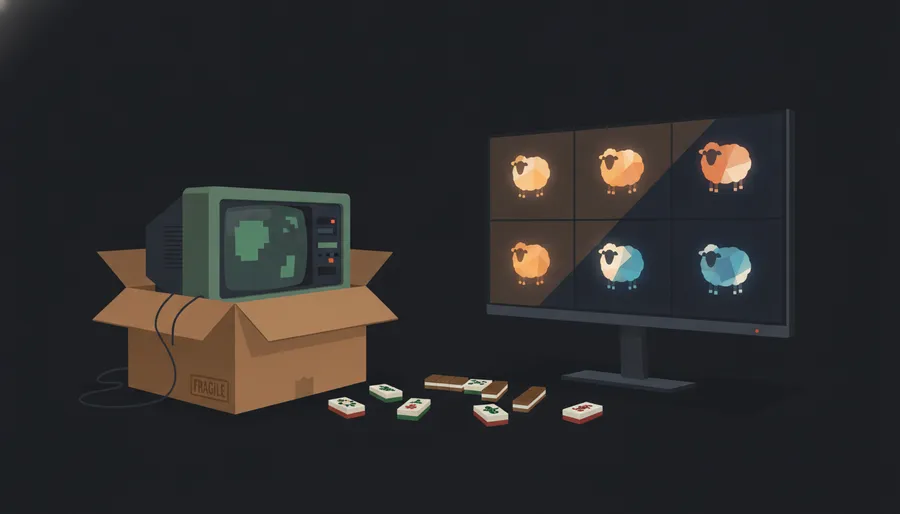
The mahjong tiles had to go
This is the dumbest thing in my dotfiles and I loved it. I wanted Cmd shortcuts in tmux, but tmux never sees Cmd. So Ghostty sent… mahjong tile emoji:
keybind = cmd+control+l=text:🀱
keybind = cmd+control+h=text:🀲
keybind = cmd+g=text:🀃
And tmux bound them as keys, bind-key -n 🀱 select-window -t +1. Nobody types a mahjong tile by accident, so it was a perfectly safe private key. Hacky? Yes. Worked for over a year? Also yes.
Herdr refuses to bind a bare printable character, so that trick was dead. Now Ghostty sends F13 to F16 in kitty keyboard protocol form (\x1b[57376;1u and friends), and Herdr binds f13, f14 like normal keys. Boring, correct, and the right way to do it in the first place.
What I still keep tmux for
I haven’t deleted .tmux.conf. I even touched it twice in September. In the migration commit I gave tmux the same F13-F16 sequences through user-keys, so the same Ghostty config works in both:
set -s user-keys[0] "\e[57376;1u"
bind-key -n User0 select-window -t -1
So if Herdr breaks after an update (it is pre-1.0 and the CLI has moved under me before), I type tmux and my hands still work. Cheap insurance.
There is also some leftover junk. My Claude Code settings still call the old tmux status hook on every turn. With no $TMUX_PANE it does nothing. I’ll clean it up. Eventually. Probably.
Was it worth it?
Yes. The win wasn’t the keybinds, those are the same. The win was retiring 170 lines of glue that tracked agent state secondhand, for a tool that just knows. If you are running more than one agent in tmux and have built your own status hacks like I did, that’s your sign.
Next up, how I wired Claude into Neovim.