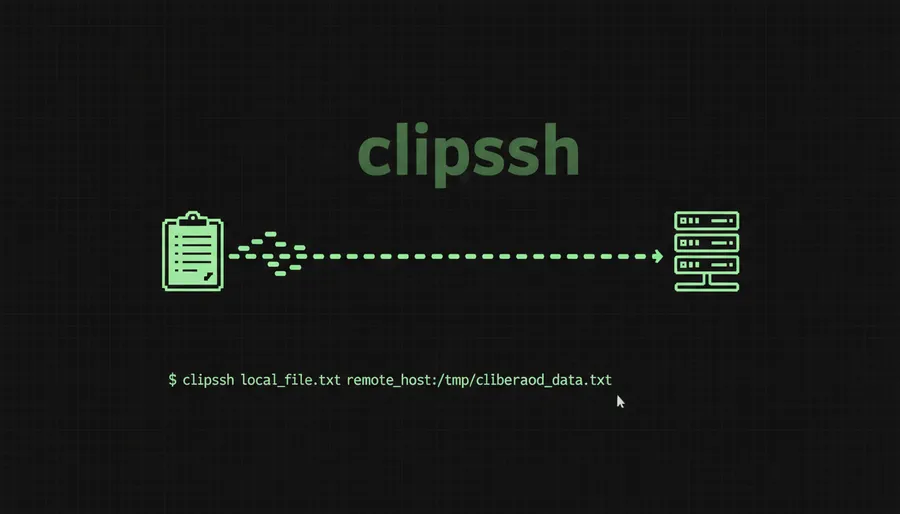
I’ve been using Claude Code over SSH a lot lately. It’s great - until you need to share a screenshot. You hit Cmd+Shift+4, grab the screenshot, and then… nothing. The remote terminal has no idea what’s on your local clipboard. Your local display server and the remote machine are completely disconnected worlds.
So I’d end up uploading images manually. scp the file over, type out the remote path, paste it in. Every. Single. Time. It’s a 30-second task that interrupts a 3-second thought.
I got tired of it and built clipssh. Try the live demo at https://clipssh.samuellawrentz.com/.
What it does
It’s embarrassingly simple. Three steps:
- Grab a screenshot to your clipboard (Cmd+Shift+Ctrl+4 on macOS)
- Run
clipssh user@myserver - The remote file path is now in your clipboard - just paste it
That’s it. The image gets extracted from your local clipboard, uploaded to the remote server via SSH as /tmp/clipboard-<timestamp>.png, and the path gets copied back to your clipboard. One command, done.
The workflow I actually use
I take a screenshot of a UI bug or a design I want to reference, run clipssh, then paste the path directly into Claude Code on the remote machine. Claude reads the image and I can ask about it - “what’s wrong with this layout?” or “implement this design”. No browser uploads, no cloud storage links, no context switching.
If you have a server you SSH into frequently, set the CLIPSSH_HOST env var and skip the host argument entirely:
export CLIPSSH_HOST=user@myserver
clipssh  # that's it
Installing
On macOS you need pngpaste for clipboard access:
brew install pngpaste
curl -fsSL https://raw.githubusercontent.com/samuellawrentz/clipssh/main/install.sh | bash
On Linux it uses xclip (X11) or wl-clipboard (Wayland) - whichever your system runs.
Or clone it:
git clone https://github.com/samuellawrentz/clipssh.git
cd clipssh && ./install.sh
The whole thing is a shell script. No dependencies beyond what’s already on your system (plus the clipboard tool).
Why I’m open-sourcing this
It’s a tiny tool that scratches a very specific itch - working with AI coding assistants over SSH. But I think anyone who does remote development and deals with screenshots will find it useful. 2026 is the year of CLIs after all. It’s MIT licensed, PRs welcome, and I’d love to hear if you find other use cases for it.
Check it out at github.com/samuellawrentz/clipssh. Star it if it saves you a few scp commands.